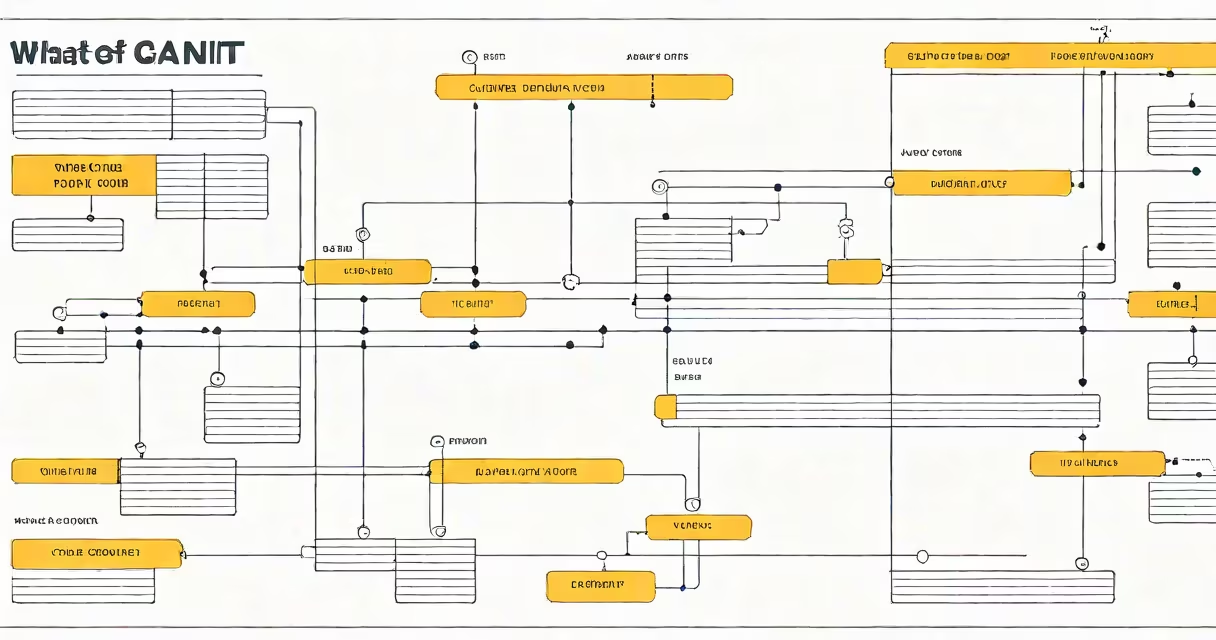
Gantt stands for the surname of Henry Gantt, the mechanical engineer who developed the Gantt chart in the early 20th century. A Gantt chart is a horizontal bar chart that illustrates project schedules, showing start and end dates for tasks within a project timeline.
Gantt charts display tasks on the vertical axis and time on the horizontal axis. Each task is represented by a bar whose length corresponds to its duration. Dependencies between tasks can be shown using arrows or lines connecting the bars.
For example, a software development project might have tasks like "Design UI," "Develop Backend," and "Test Features." The Gantt chart would show these tasks in sequence, with "Design UI" starting first and "Test Features" starting only after the previous tasks are complete.
| Component | Description |
|---|---|
| Task List | A list of all tasks required to complete the project. |
| Timeline | The horizontal axis representing the project duration. |
| Task Bars | Horizontal bars representing the duration of each task. |
| Dependencies | Lines or arrows showing the relationship between tasks. |
| Milestones | Key points in the project marked with diamonds or other symbols. |
Gantt charts are widely used in project management across various industries, including construction, software development, and marketing. They help teams visualize project progress, identify potential delays, and allocate resources effectively.
For instance, a construction company might use a Gantt chart to plan the phases of building a house, from foundation work to interior finishing. This visual representation helps ensure that each phase is completed on time and that resources are available when needed.
One common misconception is that Gantt charts are only useful for large, complex projects. In reality, they can be beneficial for projects of any size. Even small projects can benefit from the clarity and organization that a Gantt chart provides.
Another misconception is that Gantt charts are static and cannot be updated. Modern project management software allows for changing updates, making it easy to adjust timelines and tasks as needed. For example, if a task takes longer than expected, the Gantt chart can be updated to reflect the new timeline, helping the team stay on track.
I once used a Gantt chart to manage a small home renovation project. By breaking down the project into tasks like "Demolition," "Electrical Work," and "Painting," I was able to visualize the timeline and ensure that each task was completed in the correct order. This helped me stay organized and complete the project on schedule.
Gantt charts are a useful tool for project management, providing a clear visual representation of project timelines and tasks. a small home renovation, a Gantt chart can help you stay organized and on track.