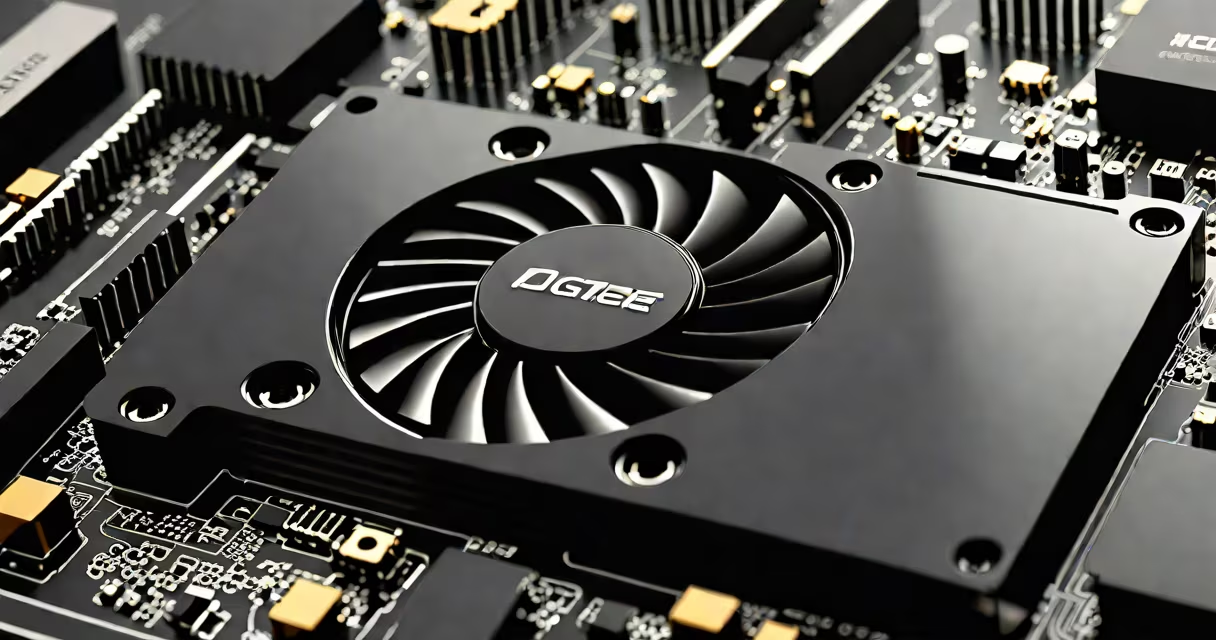
A video card, also called a graphics processing unit (GPU), is a computer component that generates images for display. It converts raw data into signals your monitor can understand.
Modern video cards contain their own processor, memory, and cooling system. When your computer runs a program with visual elements, the central processing unit (CPU) offloads graphical tasks to the GPU. The GPU renders 3D models, applies textures, calculates lighting, and performs other complex calculations much faster than a CPU.
Video cards consist of several key parts:
Video cards come in different categories based on performance needs:
| Type | Performance Level | Typical Use Cases |
|---|---|---|
| Integrated Graphics | Basic | Office work, web browsing, video playback |
| Entry-Level GPUs | Moderate | Casual gaming, photo editing, light video editing |
| Mid-Range GPUs | High | Competitive gaming, 3D modeling, virtual reality |
| High-End GPUs | Enthusiast | 4K gaming, professional video editing, machine learning |
Many people confuse video cards with other computer components. Unlike a computer Wi-Fi card, which handles wireless networking, a video card focuses solely on graphics processing. Another common mistake is thinking video cards affect storage performance, but they don't interact with hard drives or SSDs.
Some users also believe that more VRAM automatically means better performance, but the GPU's architecture and the memory interface width play important roles too. For example, a card with 8GB of VRAM might outperform one with 12GB if its memory bandwidth is higher.
If your computer struggles with graphics-intensive tasks, it might be time for an upgrade. When I upgraded my gaming PC last year, replacing a 10-year-old integrated graphics solution with a modern GPU transformed my experience. Games that previously ran at 30 frames per second suddenly hit 120 fps, and graphically demanding software became usable.
Select a video card based on your specific needs. Gamers should look for high refresh rate support and low latency, while professionals working with 3D rendering might prioritize CUDA cores or stream processors. Always check compatibility with your power supply and case size before purchasing.