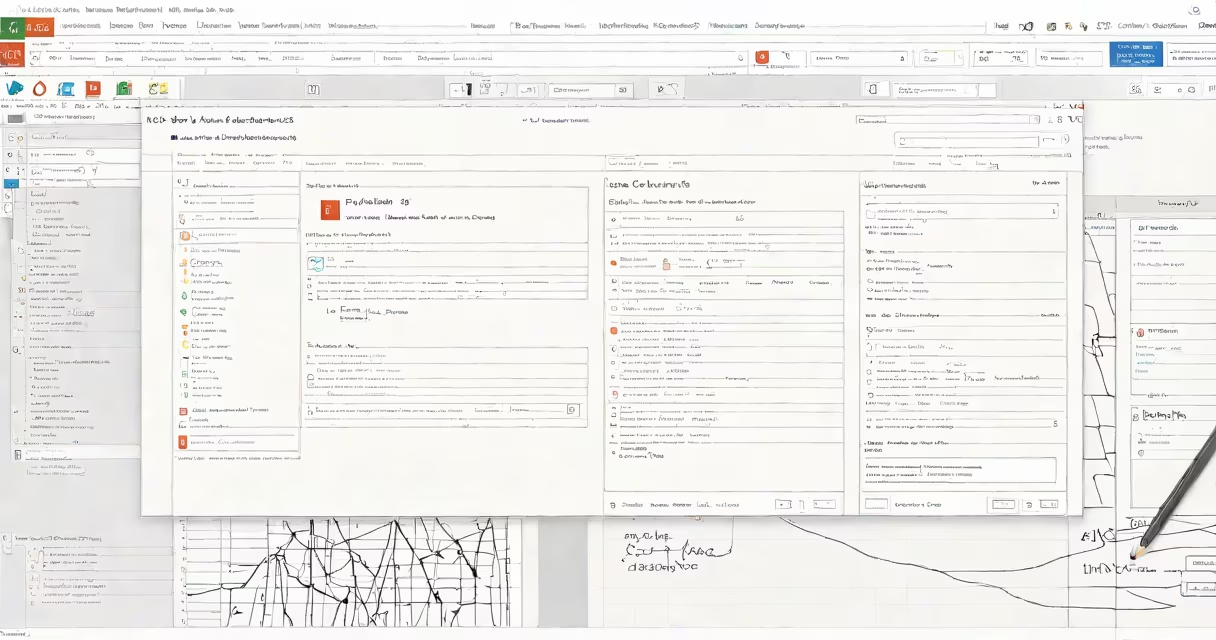
Access in MS Office is a database management system for creating, storing, and analyzing structured data. It's part of Microsoft's productivity set, designed for users who need to track and report information efficiently.
Access uses tables to organize data into rows and columns, similar to a spreadsheet but with more advanced features. Users can define relationships between tables, create forms for data entry, and generate reports. Queries allow filtering and sorting data without altering the original dataset.
Access consists of several key elements:
Businesses and organizations use Access for inventory management, customer relationship tracking, project management, and financial reporting. For example, a small business might use Access to manage customer orders, track shipments, and generate sales reports.
While Excel handles tabular data and calculations, Access is better suited for complex databases requiring multiple tables and relationships. Unlike Excel, Access can handle large datasets without slowing down and supports multi-user access. However, Excel integrates with Access for data analysis and visualization.
I once used Access to build a database for a local library, tracking book inventories, loans, and returns. The relational structure helped simplify operations compared to manual spreadsheets.