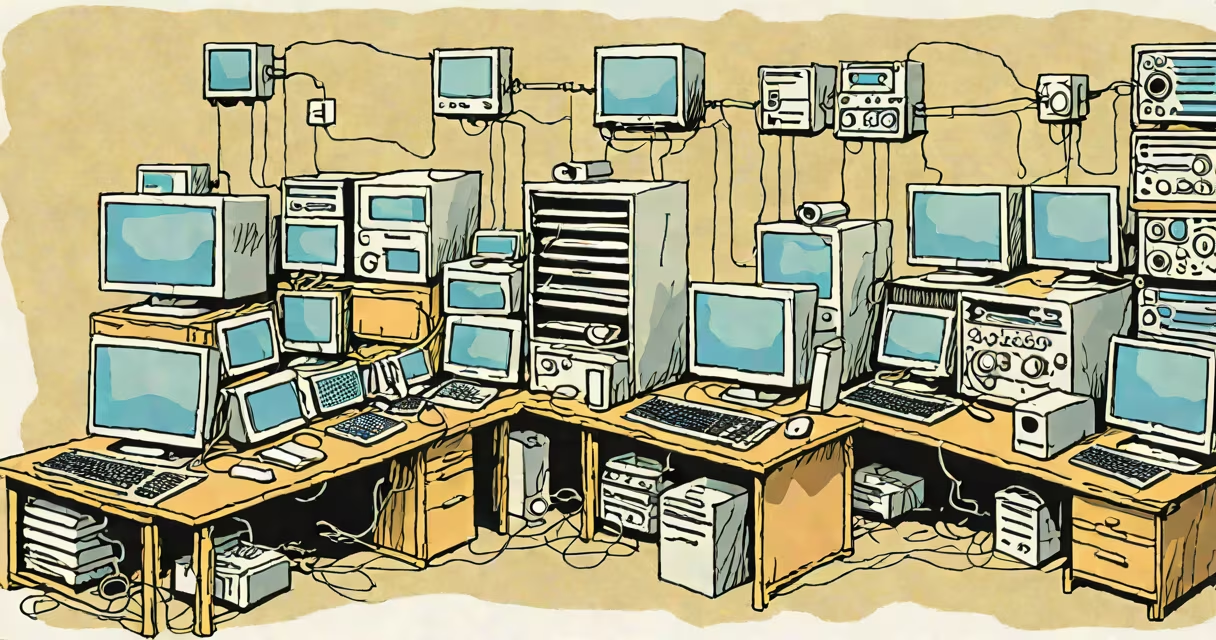
A **VM computer** (virtual machine) is a software-based simulation of a physical computer that runs programs as if it were a separate device. It shares resources with other VMs and the host system, creating isolated environments for different computing tasks.
Virtual machines rely on a hypervisor, a software layer that manages hardware resources and allocates them to VMs. The hypervisor ensures each VM operates independently, with its own virtualized CPU, memory, storage, and network interfaces. When you run a program inside a VM, the hypervisor translates requests to the actual hardware, maintaining isolation between VMs.
For example, a single physical server with a hypervisor can host multiple VMs, each running different operating systems. A VM running Windows can coexist with another running Linux, both sharing the same physical hardware.
| Type | Description | Use Case |
|---|---|---|
| System VM | Emulates an entire computer system, including hardware. | Running multiple operating systems on one machine. |
| Process VM | Executes individual programs within an existing OS. | Testing software in controlled environments. |
| Hardware VM | Mimics specific hardware components for compatibility. | Legacy software support on modern systems. |
VMs provide several advantages over physical machines. They reduce hardware costs by consolidating multiple workloads onto fewer servers. They also improve security by isolating applications and operating systems, preventing conflicts and malware spread. For developers, VMs offer sandboxed environments to test software without affecting the host system.
For instance, a developer testing a new application can use a VM to simulate different user environments, ensuring compatibility across various configurations. If the application crashes, the VM can be reset without damaging the host system.
Many people confuse virtual machines with containers, another form of virtualization. While both provide isolated environments, containers share the host OS kernel, making them lighter and faster. VMs, however, include a full OS, offering greater isolation but requiring more resources.
Another misconception is that VMs are only useful for developers. In reality, businesses use VMs for disaster recovery, running legacy applications, and cloud computing. For example, cloud providers like Amazon Web Services and Microsoft Azure rely on VMs to deliver scalable computing resources to customers.
To create your first VM, you'll need a hypervisor. Popular options include VMware Workstation, Oracle VM VirtualBox, and Microsoft Hyper-V. These tools allow you to install a guest OS, allocate resources, and manage VMs easily.
I first used a VM when testing a new operating system without installing it on my primary machine. Using VirtualBox, I created a VM, installed the OS, and tested its features safely. If something went wrong, I simply deleted the VM and started over.