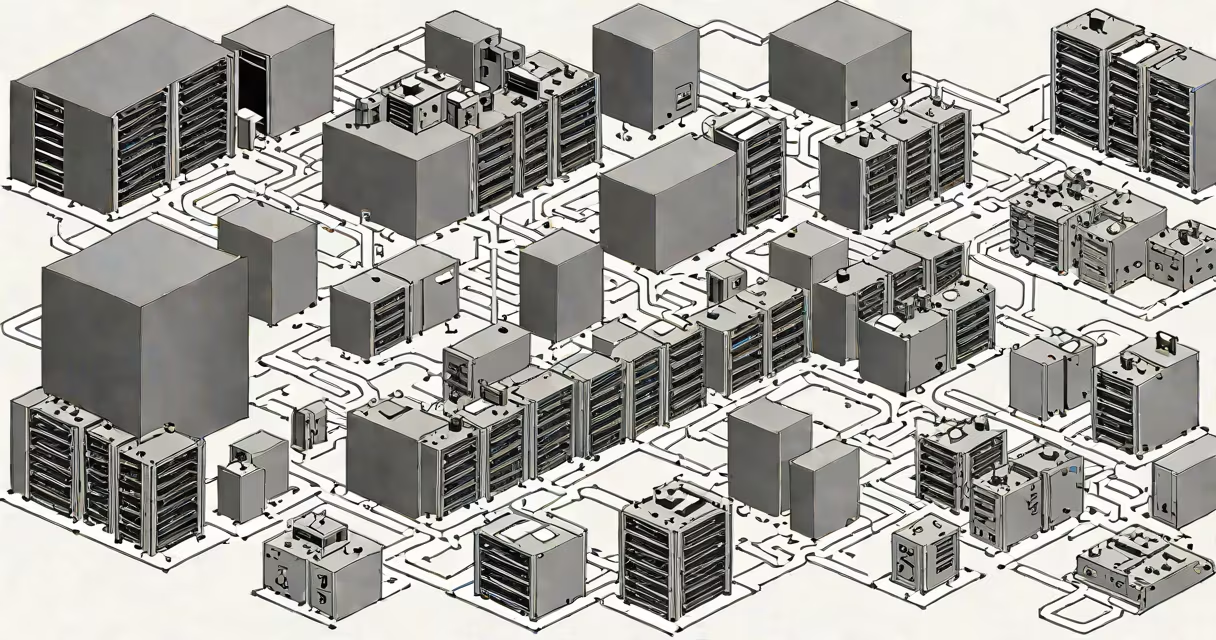
A virtual environment is an isolated software space that mimics a physical computer system, enabling multiple operating systems to run on a single machine. These environments are created using virtualization software, which allocates resources like CPU, memory, and storage from a host system to create virtual instances.
Virtual environments operate by abstracting the underlying hardware. The hypervisor, a layer of software, manages the distribution of physical resources to virtual machines (VMs). Each VM runs its own operating system and applications independently of others. For example, a single physical server can host several VMs running different operating systems like Windows, Linux, and macOS simultaneously.
| Type | Description | Common Use Cases |
|---|---|---|
| Full Virtualization | Completely isolates the guest OS from the host, requiring no modifications to the guest OS. | Running legacy applications, testing different operating systems. |
| Paravirtualization | Modifies the guest OS to be aware of the hypervisor, improving performance. | High-performance computing, server consolidation. |
| Containerization | Shares the host OS kernel while isolating applications and their dependencies. | Microservices, cloud-native applications. |
Virtual environments are widely used in data centers, cloud computing, and development/testing scenarios. They provide cost savings by maximizing resource utilization, enhancing security through isolation, and simplifying management tasks. For instance, a company can use virtual environments to test software updates without affecting the production environment.
Many people confuse virtual environments with virtual hosting. While virtual hosting allows multiple websites to share a single server, virtual environments enable multiple operating systems to run on a single machine. Another misconception is that virtual environments are only for large enterprises. In reality, they are used by individuals for software development, education, and even gaming.
I once set up a virtual environment on my personal computer to run a Linux-based application while still using Windows as my primary OS. This allowed me to test the application without needing a separate physical machine, saving both time and money.