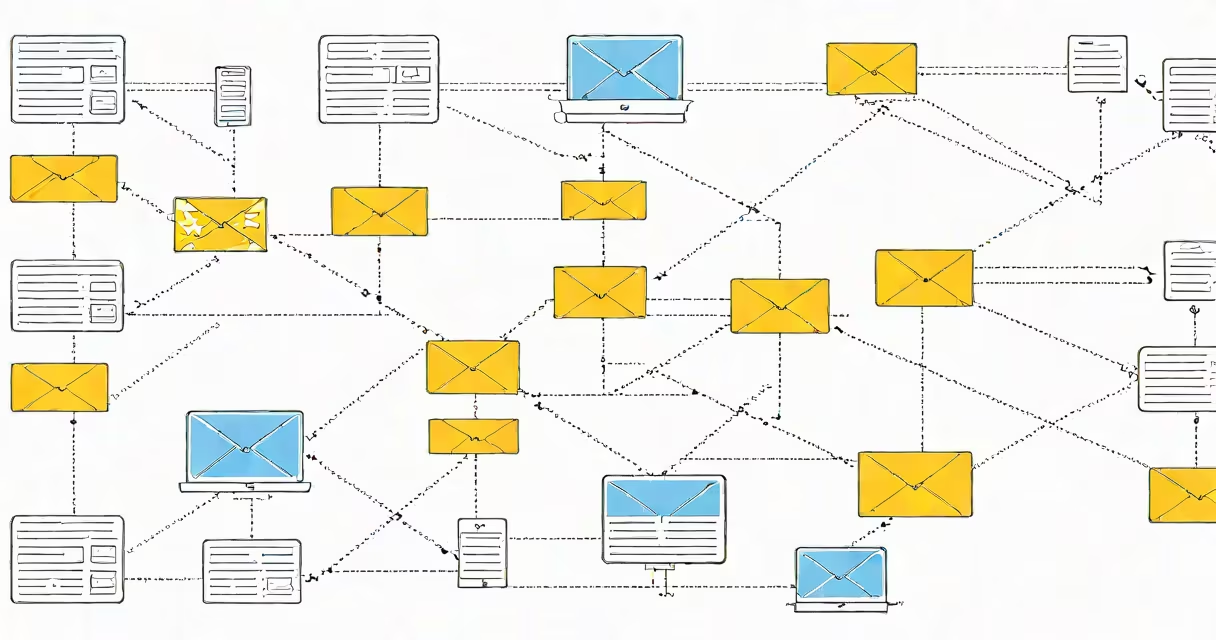
An incoming email server is a mail server that stores and delivers incoming emails to recipients' inboxes using protocols like IMAP or POP3. These servers act as intermediaries, receiving messages sent to your domain and routing them to the correct mailbox.
When someone sends you an email, their outgoing server (using SMTP) connects to your incoming server. The incoming server authenticates the message, checks for spam, and stores it temporarily. Your email client then retrieves the message using IMAP or POP3.
For example, if someone emails [email protected], their server contacts your incoming server (e.g., mail.yourdomain.com) on port 143 (IMAP) or 110 (POP3). The server verifies the recipient address and delivers the message to your inbox.
| Protocol | Port | Key Feature |
|---|---|---|
| IMAP (Internet Message Access Protocol) | 143 (standard), 993 (SSL/TLS) | Syncs emails across devices by storing messages on the server |
| POP3 (Post Office Protocol version 3) | 110 (standard), 995 (SSL/TLS) | Downloads emails to a single device and deletes them from the server |
Many confuse incoming email servers with outgoing servers (SMTP). While both are essential, they serve different roles: incoming servers receive and store messages, while outgoing servers send them. For instance, Gmail uses imap.gmail.com for incoming mail and smtp.gmail.com for outgoing mail.
Another mistake is assuming all incoming servers support both IMAP and POP3. Some providers, like Microsoft Exchange, may prioritize proprietary protocols over standard ones.
To create your own incoming email server, you'll need a domain name, a hosting provider, and software like Postfix or Dovecot. Start by configuring DNS records (MX, A, and PTR) to direct emails to your server. Then install and configure your chosen software to handle incoming connections.
For example, setting up Postfix involves editing configuration files to define your domain, enable TLS encryption, and specify which users can receive emails. After installation, test your server using tools like Telnet or online email checkers.
If you prefer not to manage a server, many providers offer managed email services. These handle setup, maintenance, and security for you. For instance, creating an email account through a provider often includes access to their incoming email servers.
Incoming email servers are prime targets for spam and malware. To protect yours, implement measures like SPF, DKIM, and DMARC to verify senders and prevent spoofing. Regularly update server software to patch vulnerabilities, and use firewalls to block malicious traffic.
For added security, enforce strong passwords and consider two-factor authentication for email accounts. Monitoring tools can alert you to suspicious activity, such as brute-force attacks or unusual login attempts.