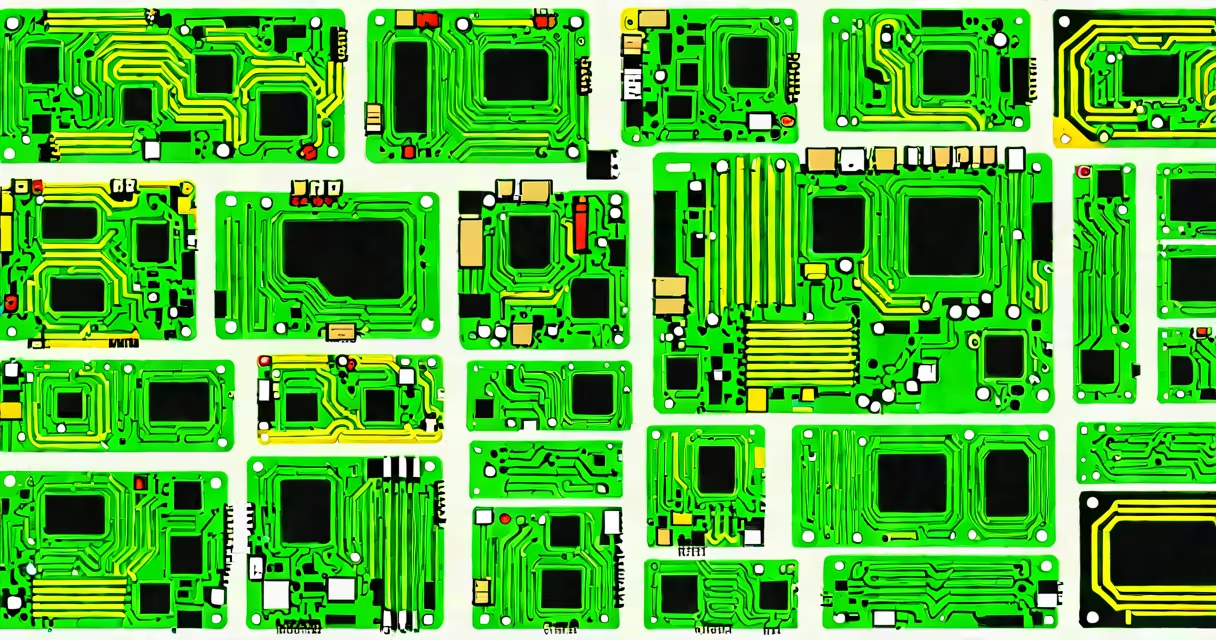
The form factor of a motherboard defines its physical dimensions, power requirements, and mounting points, ensuring compatibility with computer cases and components. It determines how the board fits inside a case and which hardware it supports.
Form factors standardize motherboard designs, allowing manufacturers to create cases and components that work together. The form factor specifies the board's size, power supply connections, and expansion slot locations. For example, an ATX motherboard has a specific layout for its power connectors and screw holes, ensuring it fits properly in an ATX-compatible case.
Motherboards come in several standard form factors, each with unique sizes and features. The most common ones are:
| Form Factor | Dimensions | Key Features |
|---|---|---|
| ATX | 12 x 9.6 inches | Standard for full-size desktops, supports multiple expansion slots |
| Micro-ATX | 9.6 x 9.6 inches | Smaller than ATX, fewer expansion slots, compatible with ATX cases |
| Mini-ITX | 6.7 x 6.7 inches | Compact size, low power consumption, ideal for small form factor builds |
| E-ATX | 12 x 13 inches or larger | Extended ATX, used in high-end workstations and gaming PCs |
Each form factor offers different advantages. ATX boards provide ample space for high-end components and multiple expansion cards, while Mini-ITX boards are ideal for compact builds. Micro-ATX offers a balance between size and functionality, fitting in both Micro-ATX and ATX cases.
Choosing the right form factor ensures compatibility with your case and components. A larger form factor like ATX provides more space for cooling and expansion, while smaller form factors like Mini-ITX save space but may limit upgrade options. For instance, if you plan to install multiple graphics cards, an ATX motherboard would be more suitable than a Mini-ITX board.
Form factors also affect power supply compatibility. Different form factors have specific power connector layouts, so ensure your power supply matches your motherboard's form factor., some high-end motherboards use proprietary form factors, such as those found in workstations or servers, which may require specialized cases and power supplies.
Many people assume that smaller form factors are inferior to larger ones. However, modern Mini-ITX motherboards can support high-performance CPUs and GPUs, making them suitable for gaming and media PCs. Another misconception is that all motherboards fit in any case. In reality, only compatible form factors will fit, so always check your case's supported form factors before purchasing a motherboard.
Some users also believe that larger motherboards are always better. While they offer more expansion slots and better cooling, they also take up more space and require larger cases. For many users, a smaller form factor like Micro-ATX provides the perfect balance between size and functionality.
When building a compact gaming PC, I chose a Mini-ITX motherboard for its small size and efficient design. The ASUS ROG Strix Z790-I had all the features I needed, including support for high-end CPUs and GPUs, despite its compact dimensions. I paired it with a small case and a compatible power supply, ensuring everything fit together smoothly. This setup proved that smaller form factors can deliver high performance without sacrificing functionality.
The form factor of a motherboard is important for determining compatibility and functionality. Understanding the different form factors helps you choose the right motherboard for your build, ensuring it fits your case and supports your components. Whether you need a full-size ATX board for maximum expandability or a compact Mini-ITX board for a small form factor build, selecting the right form factor is essential for a successful PC assembly.