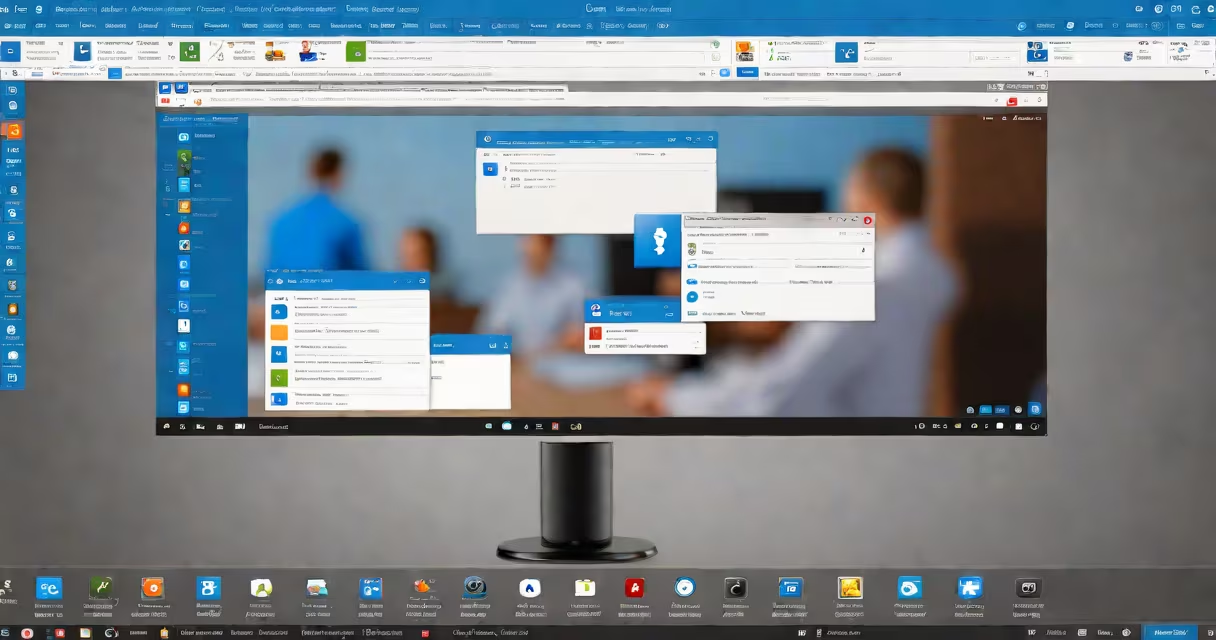
TeamViewer is remote access software that lets users connect to computers, devices, and meetings from anywhere. It supports remote support, collaboration, and device management.
TeamViewer establishes encrypted connections between devices using internet-based communication protocols. Once installed, users enter a unique ID and password to connect remotely. The software provides full control over the remote device, including file transfers, screen sharing, and chat functions.
TeamViewer offers several key features:
TeamViewer is widely used in various scenarios:
| Use Case | Example |
|---|---|
| IT Support | A help desk technician uses TeamViewer to troubleshoot a customer's computer remotely. |
| Remote Work | An employee accesses their office computer files and run applications. |
| Education | A teacher provides remote guidance to a student struggling with software installation. |
| Collaboration | A team conducts an online meeting with screen sharing to discuss a project. |
TeamViewer uses end-to-end encryption and two-factor authentication to protect connections. However, users should follow best practices, such as keeping software updated and using strong passwords, to prevent unauthorized access.
I once used TeamViewer to assist a family member in another city with a software issue. The remote control feature allowed me to guide them through the process efficiently, saving time and travel costs.