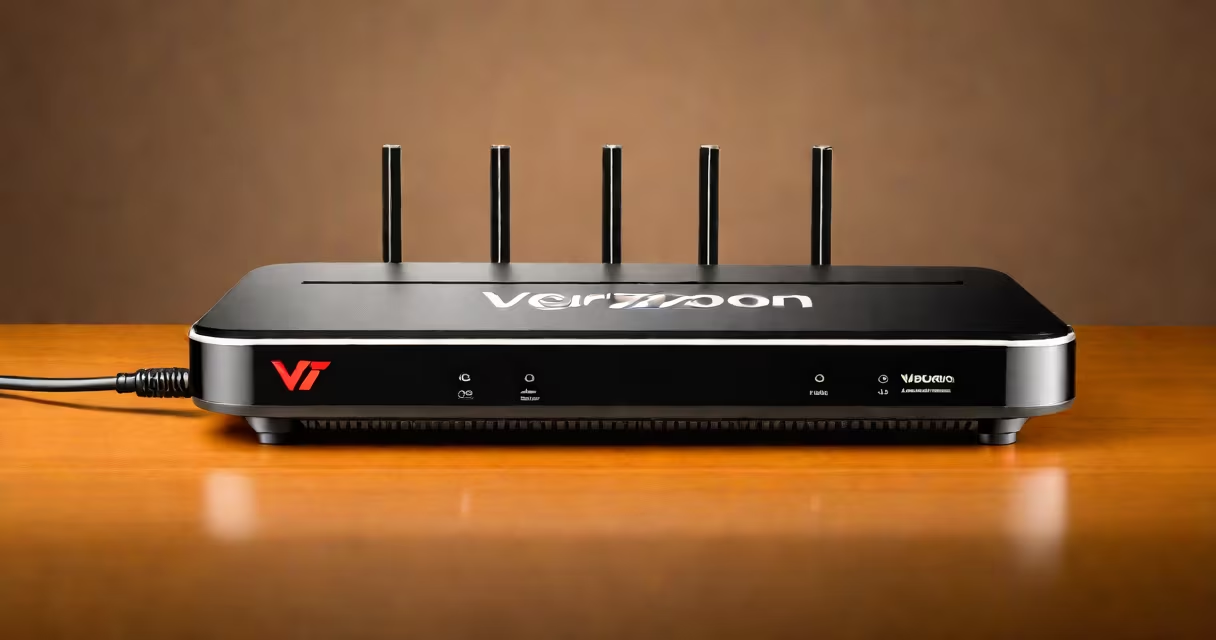
Verizon Fios provides customers with their own proprietary routers, specifically the Verizon Fios Quantum Gateway or the older Verizon Fios Router (MI424WR or G1100). These routers are designed to work smoothly with Verizon's fiber-optic network, delivering high-speed internet access.
The Verizon Fios Quantum Gateway is a combination modem and router. It connects to Verizon's fiber-optic network via an Optical Network Terminal (ONT), which converts the light signals from the fiber into electrical signals that the router can use. The router then distributes the internet connection wirelessly via Wi-Fi or through Ethernet cables.
This setup ensures minimal signal loss and maximum speed, making it ideal for high-bandwidth activities like streaming, gaming, and video conferencing. The Quantum Gateway supports both 2.4GHz and 5GHz Wi-Fi bands, providing flexibility for different devices and usage scenarios.
Verizon primarily offers two types of routers:
| Router Model | Key Features |
|---|---|
| Verizon Fios Quantum Gateway | Dual-band Wi-Fi (2.4GHz and 5GHz), 4 Gigabit Ethernet ports, supports Mesh Wi-Fi, advanced security features |
| Verizon Fios Router (MI424WR or G1100) | Single-band Wi-Fi (2.4GHz), 4 Ethernet ports, basic security features |
Most new customers receive the Quantum Gateway, while older installations may still use the MI424WR or G1100 models.
Verizon supplies their own routers to ensure compatibility and performance with their fiber-optic network. Using a non-Verizon router can sometimes lead to connectivity issues or reduced speeds due to incompatibility with the ONT or Verizon's network settings., Verizon's routers come pre-configured with optimized settings for their network, reducing the need for manual setup and troubleshooting.
However, if you want to use your own router, you can bridge the Verizon Fios router and connect a third-party router. This setup can provide more advanced features and better performance for tech-savvy users. For more details on improving your Wi-Fi coverage, check out our guide on the best Wi-Fi extenders for Verizon Fios routers.
One common misconception is that Verizon Fios routers are inferior to third-party routers. While Verizon's routers are designed for ease of use and compatibility, they often lack advanced features found in high-end third-party routers. However, for most users, Verizon's routers provide sufficient performance for daily internet activities.
Another misconception is that you cannot use your own router with Verizon Fios. While it's true that using a non-Verizon router can be more complex, it is possible to bridge the Verizon router and use a third-party router for better performance and features.
When I set up my Verizon Fios service, I initially used the provided Quantum Gateway. While it worked well for basic tasks, I found that upgrading to a third-party router improved my Wi-Fi coverage and speed. Bridging the Verizon router and connecting a high-end router allowed me to take full advantage of Verizon's fiber-optic network. For more support and troubleshooting tips, visit Verizon Fios support.