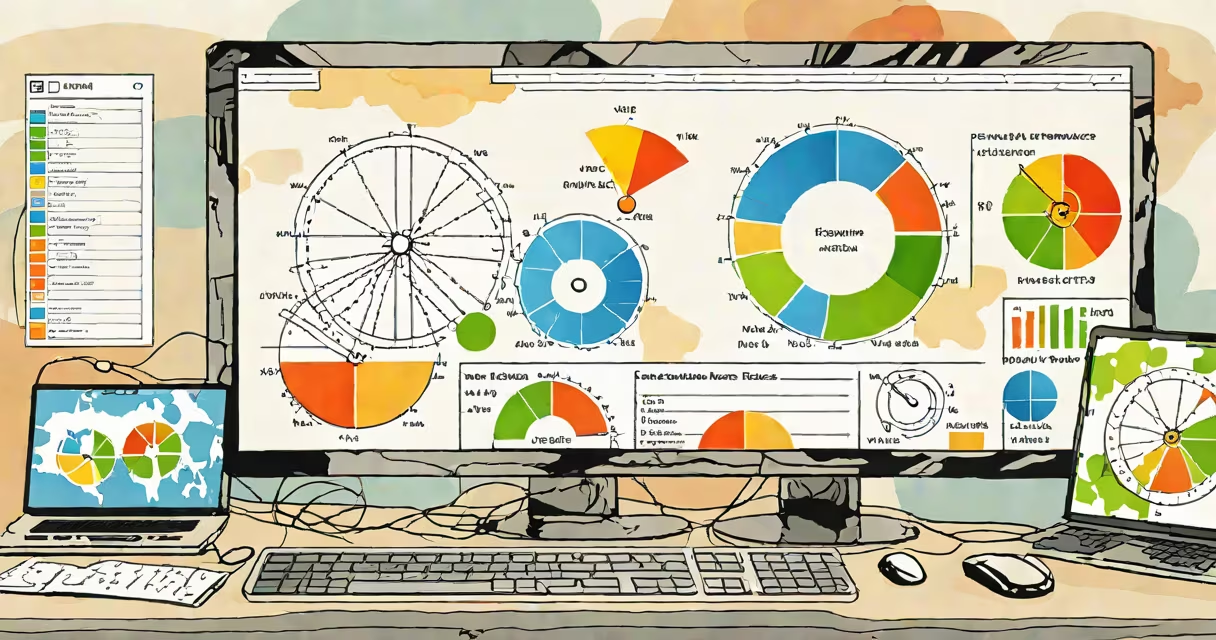
Software to speed up your computer includes tools that improve system resources, clear unnecessary files, and manage startup programs. These applications help maintain or restore peak performance, especially on older machines or those running multiple applications.
Performance-boosting software typically works by addressing common slowdown causes: disk fragmentation, excessive startup programs, malware, and resource-heavy background processes. Most tools combine several functions, such as disk cleanup, registry repair, and system optimization.
| Type | Key Features | Example |
|---|---|---|
| System Cleaners | Delete temporary files, clear cache, uninstall unused programs | CCleaner |
| Registry Repair Tools | Fix broken registry entries that slow down system operations | Wise Registry Cleaner |
| Startup Managers | Disable unnecessary startup programs to free up RAM | Autoruns (Microsoft Sysinternals) |
| Disk Defragmenters | Reorganize fragmented files to improve hard drive performance | Defraggler |
Many users confuse performance-boosting software with antivirus tools. While antivirus software protects against malware, it doesn't necessarily speed up your computer. Dedicated optimization software targets system inefficiencies that antivirus programs often miss.
Another myth is that more features equal better performance. Some tools pack dozens of functions but may include unnecessary bloatware. Focus on tools that address your specific needs, whether it's cleaning up disk space or managing startup programs.
Suppose your computer feels sluggish when launching applications. A startup manager could identify that five programs are launching automatically, consuming valuable RAM. By disabling non-essential startup items, you might reduce boot time by 30 seconds and free up 200MB of RAM.
When optimizing an older laptop for a relative, I used a combination of CCleaner to remove temporary files and Autoruns to disable unnecessary startup programs. The laptop's boot time improved from 90 seconds to 45 seconds, and application launch times decreased noticeably.