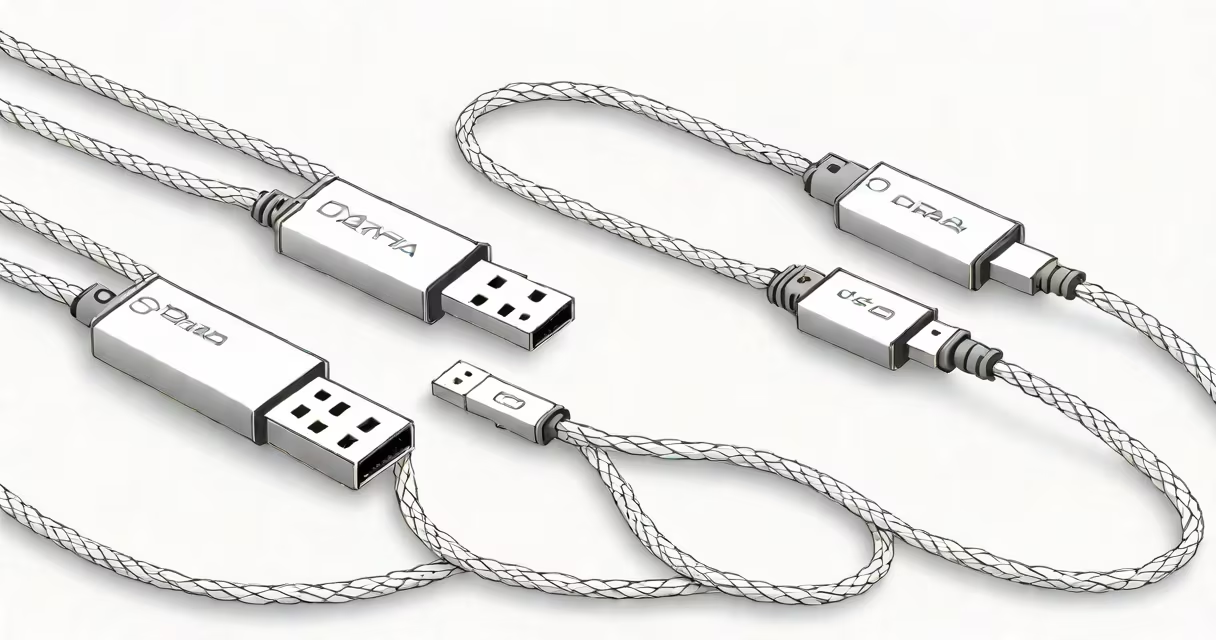
A USB data cable transfers files between devices and has distinct connectors unlike charging-only cables. The most common types have rectangular Type-A connectors on one end and smaller Type-B or Type-C connectors on the other.
USB data cables contain internal wires that carry both power and data signals. Unlike charging cables, which only transmit power, data cables have additional shielding to protect the data transfer. When connected to a computer, they allow devices like phones, tablets, and external drives to exchange information.
The most common types of USB data cables are:
USB data cables are essential for transferring files between computers and other devices. They are commonly used to connect smartphones to computers for data synchronization, transferring photos, and connecting external hard drives or flash drives to computers for data storage and transfer.
Many people confuse USB data cables with charging cables. While both types of cables can transfer power, only data cables can transfer data., not all USB cables support the same data transfer speeds. For example, USB 2.0 cables have a maximum data transfer rate of 480 Mbps, while USB 3.0 cables can transfer data at up to 5 Gbps.
Another common misconception is that all USB-C cables are data cables. While most USB-C cables do support data transfer, some are designed solely for charging and do not support data transfer. To ensure you have a data cable, look for the USB logo and check the cable's specifications.
When I needed to transfer large files from my camera to my computer, I initially thought any USB cable would work. However, I quickly realized that using a charging cable resulted in slow transfer speeds and occasional connection issues. Switching to a dedicated USB data cable solved the problem and improved the transfer speed.
For more on data transfer cables, see our guide on how signal cables work and the differences between fiber and copper cables.
To use a USB data cable effectively, you need to know how to identify the correct ports. Standard USB ports, often referred to as USB-A ports, are rectangular and can be found on most computers and peripherals. These ports are typically used with USB-A to USB-B or USB-A to USB-C cables.