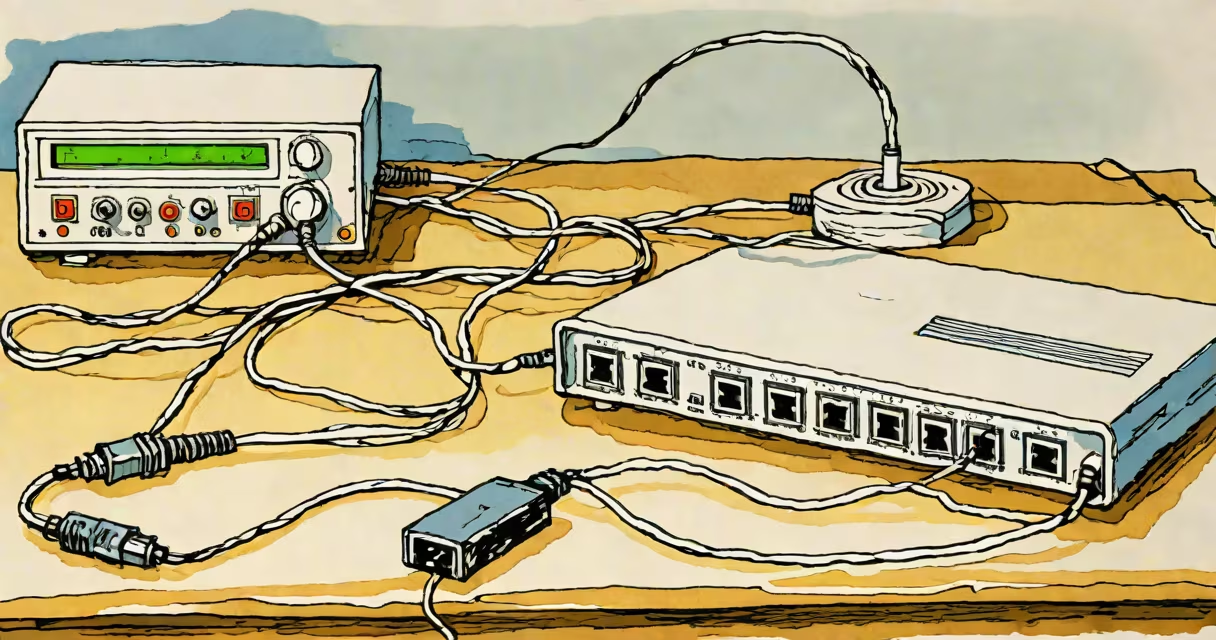
A modem converts data between your devices and your internet service provider (ISP) so you can access the web. It bridges the gap between your local network and the wider internet.
Modems translate digital data from your computer into analog signals that travel through telephone lines or cables. When data comes back, they convert it. This process happens in milliseconds, enabling smooth browsing.
| Type | Connection Type | Typical Speed |
|---|---|---|
| Cable Modem | Coaxial Cable | 10-1,000 Mbps |
| DSL Modem | Telephone Line | 5-100 Mbps |
| Fiber Modem | Optical Fiber | 100-10,000 Mbps |
Many people mix up modems and routers. A modem connects to your ISP, while a router distributes that connection to multiple devices in your home. Some devices combine both functions, but they're separate technologies.
When I set up my home network, I plugged one end of an Ethernet cable into the modem's output port and the other into my router's input. The modem's lights blinked as it established a connection with my ISP, then stayed solid once the link was stable. Without the modem, my router wouldn't have had internet to share.
Some believe Wi-Fi comes directly from the modem. In reality, the modem only handles the connection to your ISP. Wi-Fi is created by the router, which receives data from the modem and broadcasts it wirelessly.
According to the Federal Communications Commission (FCC), about 70% of U.S. households rely on cable or DSL modems for internet access. Fiber modems are growing in popularity due to their speed advantages.