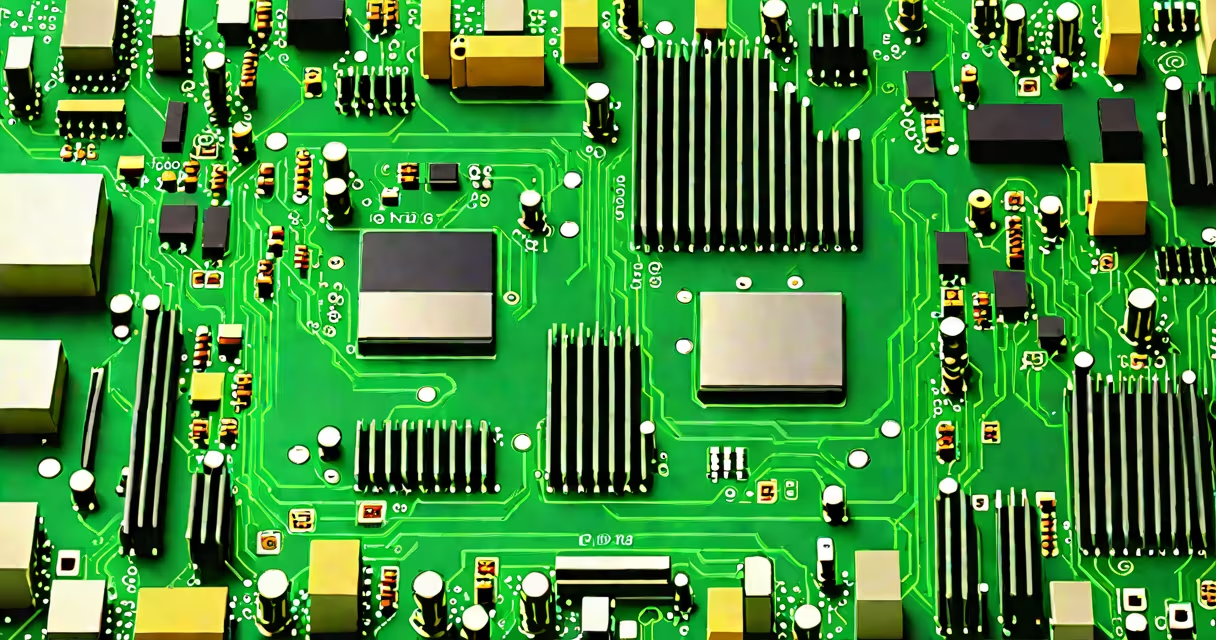
A **mainboard** (also called a **motherboard**) is the central printed circuit board in a computer that connects all internal components. It houses the CPU, RAM, storage, and other essential parts, allowing them to communicate.
The mainboard acts as the core of a computer, providing electrical connections by routing signals between components. It contains integrated circuits, sockets, and slots for installing processors, memory, and expansion cards. The BIOS or UEFI firmware on the mainboard initializes hardware during startup and manages low-level system functions.
Mainboards come in different form factors, each designed for specific use cases:
| Form Factor | Size | Common Uses |
|---|---|---|
| ATX | 12 x 9.6 inches | Desktops, gaming PCs |
| Micro-ATX | 9.6 x 9.6 inches | Compact desktops, budget builds |
| Mini-ITX | 6.7 x 6.7 inches | Small form factor PCs, HTPCs |
Each form factor supports different numbers of expansion slots, RAM slots, and other features. For example, ATX boards typically offer more PCIe slots for graphics cards and other peripherals, while Mini-ITX boards prioritize space efficiency.
A mainboard includes several critical components:
For instance, a modern gaming PC might use an ATX mainboard with an LGA 1700 socket for an Intel Core i9 processor, four DDR5 RAM slots, and multiple PCIe 4.0 x16 slots for high-end graphics cards.
Many people confuse the mainboard with other computer components. Unlike a **power supply unit**, which provides electricity, the mainboard distributes power and facilitates communication between parts. It's also distinct from a **graphics card**, which handles rendering tasks but relies on the mainboard for connectivity and control.
Another mistake is assuming all mainboards are the same. Different models support varying CPUs, RAM types, and expansion options. For example, an AMD Ryzen-based mainboard won't work with an Intel Core processor due to incompatible sockets and chipsets.
The mainboard determines compatibility, performance, and upgradeability. Choosing the right one ensures your computer runs efficiently and can adapt to future hardware changes. For instance, a mainboard with a recent chipset and ample PCIe lanes supports multi-GPU setups and fast NVMe storage, important for high-performance computing tasks.
When building my first custom PC, I selected an ATX mainboard with a B660 chipset to balance cost and features. This choice allowed me to install an Intel Core i5 processor, 32GB of DDR4 RAM, and a high-speed NVMe SSD, ensuring smooth performance for gaming and content creation.
For more details on computer accessories, see essential computer accessories.